Super Worms

Super Worms

Super Worms

Super Worms

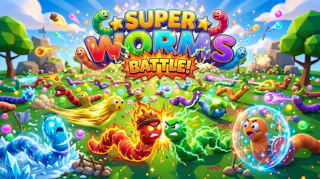
Super Worms is a fast-paced arcade arena game where you grow bigger, outmaneuver rivals, and claim dropped mass right in your browser.

🌟 What is Super Worms?

Super Worms puts a lively arcade spin on classic worm-arena survival with zero downloads required. You weave through the arena collecting pickups to lengthen your worm while forcing opponents into risky paths so you can snatch up their leftovers and climb higher.

🎮 Key Features of Super Worms

  • Risk-and-reward arena play: Grow steadily by gathering pickups, then capitalize when rivals slip up and leave behind valuable mass.
  • Tactical cutting and spacing: Use sharp turns and boost bursts to block paths without trapping your own tail.
  • Instant browser action: Runs directly in the browser on desktop or touch devices for quick rounds anytime.
  • High-score chase: Escalating arena crowds keep every run unpredictable and exciting to beat.

⌨️ Controls for Super Worms

  • Mouse / Keyboard (PC): Steer your worm smoothly with the mouse cursor or Arrow keys / WASD, and use left-click or the designated boost key when speeding up.
  • Touchscreen (Mobile/Tablet): Drag or use the on-screen controls inside the game frame to guide your worm and trigger speed bursts.

💡 Tips to Win at Super Worms

  1. Watch your tail length: As you grow longer, leave wider turning room so you do not clip obstacles or box yourself in.
  2. Pick up mass smartly: Grab high-value drops quickly, but avoid diving straight into tight crowds where rivals can cut you off.
  3. Use speed bursts selectively: Save extra speed for cutting across a rival's path or escaping a tight squeeze rather than burning it aimlessly.
Scrap Metal

Scrap Metal

Scrap Metal

Scrap Metal

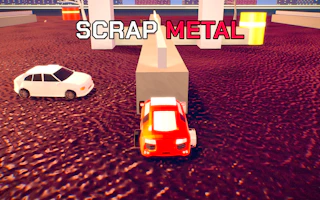
Play Scrap Metal online for free in your browser and unleash high-speed 3D driving, wild stunts, and realistic vehicle destruction. Test powerful cars across an open stunt arena and smash them to pieces with zero downloads required.

🌟 What Is Scrap Metal?

Scrap Metal is a 3D car stunt and crash-physics sandbox game where you get behind the wheel of rugged vehicles in an open testing ground. Launch off massive ramps, pull off mid-air flips, place custom obstacles, and watch real-time deformation bend and crumple every panel on impact.

🎮 Scrap Metal Features

  • Realistic crash and damage physics: Every collision bends chassis parts, shatters glass, and dents bodywork dynamically.
  • Multiple drivable vehicles: Switch between sports cars, muscle rides, and heavy off-roaders with distinct handling.
  • Custom stunt track building: Spawn and position ramps, loops, and obstacles anywhere in the arena to design your own jumps.
  • Instant browser play: Enjoy 3D physics-driven driving directly in your browser without downloads or installations.

⌨️ Scrap Metal Controls

  • Keyboard: Use WASD or Arrow keys to drive and steer, Spacebar for the handbrake, Shift for nitro/boost, R to repair or reset your vehicle, and mouse/number keys to switch cameras, cars, or place ramps.

💡 Tips for Playing Scrap Metal

  1. Line up your speed before hitting steep ramps: Approach giant loops and mega-ramps straight on so you land cleanly on all four wheels.
  2. Build custom ramp chains: Combine landing ramps with launch pads to pull off consecutive high-altitude stunts without wrecking early.
  3. Use instant repair after heavy crashes: Hit the repair/reset key whenever bent wheels ruin your steering so you can jump right back into full-speed runs.
Grave Blast

Grave Blast

Grave Blast

Grave Blast

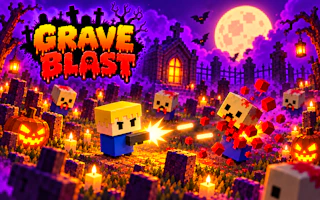
Play Grave Blast online for free in your browser and blast your way through spooky, fast-paced arcade action. Aim accurately, clear incoming threats, and rack up high scores in a haunted setting with zero downloads required.

🌟 What Is Grave Blast?

Grave Blast is an action-packed arcade shooter and blast browser game set in an eerie cemetery theme. Line up your shots, trigger high-impact blasts, and stay sharp as targets and hazards pick up speed right in your browser.

🎮 Grave Blast Features

  • Spooky arcade blasting: Fast-paced rounds with eerie graveyard visuals and satisfying impact effects.
  • Precision and timing: Clean aiming and well-timed shots reward steady focus as the pace rises.
  • Instant browser play: Launch and play right away on desktop or mobile with no installation needed.
  • Score-chasing replayability: Jump back in to beat your high score and sharpen your reaction speed.

⌨️ Grave Blast Controls

  • Mouse or touch screen (and keyboard if supported): Move, aim, and click or tap to fire and blast targets; use directional or action keys if shown on screen.

💡 Tips for Playing Grave Blast

  1. Prioritize immediate threats first: Clear fast-approaching targets or hazards before chasing distant bonus points.
  2. Line up multi-hit shots: Look for clusters or lines where a single well-placed blast clears multiple targets at once.
  3. Stay composed as speed ramps up: Don't rush sloppy shots—steady aim and clean timing keep your run alive longer.
Blockland Oneblock Skyblock

Blockland Oneblock Skyblock

Blockland Oneblock Skyblock

Blockland Oneblock Skyblock

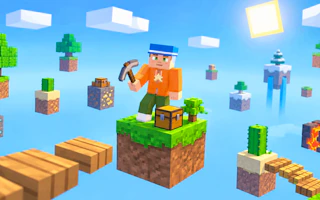
In Blockland Oneblock Skyblock, you start on a single floating block high above the void and turn it into a thriving sky island. Mine the regenerating center block, gather essential materials, craft tools, and expand your platform step by step right in your browser.

🌟 What Is Blockland Oneblock Skyblock?

Blockland Oneblock Skyblock is a 3D sandbox survival and building game inspired by classic OneBlock and Skyblock challenges. Every time you break the central block beneath you, a new block appears—unlocking dirt, wood, stone, ores, and surprises that let you build bridges, shelters, and farms in the sky.

🎮 Key Features of Blockland Oneblock Skyblock

  • Infinite OneBlock progression: Break the regenerating core block to discover new materials and advance through different resource stages.
  • Sky island building: Place blocks freely to expand your floating base, create safe walkways, and design your own sky world.
  • Resource gathering and crafting: Collect wood, stone, and minerals to upgrade your gear and mine faster.
  • Instant browser gameplay: Play directly online with no downloads required, complete with quick reload and fullscreen support.

⌨️ Controls for Blockland Oneblock Skyblock

  • Movement and camera: Use WASD or the Arrow keys to walk around, Spacebar to jump, and the mouse to look around and aim at blocks.
  • Mining, placing, and inventory: Use Left Click to mine or attack, Right Click to place blocks or interact, and the Number keys (1–9) or Mouse Wheel to switch items.

💡 Tips for Blockland Oneblock Skyblock

  1. Expand your floor first: Surround the main regenerating block with a solid platform early on so mined items and blocks do not fall into the void.
  2. Stand safely while mining: Avoid standing directly over the central block when breaking it, as sudden block changes or spawns can catch you off guard.
  3. Save key resources: Keep extra wood and cobblestone in reserve so you can always craft new pickaxes and build safety rails around your island.
Escape the Giant School 3D

Escape the Giant School 3D

Escape the Giant School 3D

Escape the Giant School 3D

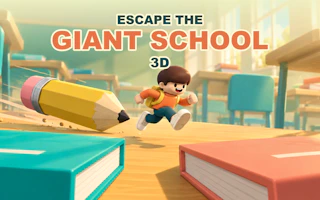
In Escape the Giant School 3D, you navigate a massive, oversized school environment where every hallway, desk, and step turns into a thrilling 3D platforming challenge. Explore the area, dodge hazards, and find your way out right in your browser.

🌟 What Is Escape the Giant School 3D?

Escape the Giant School 3D is a 3D action-platformer and adventure game set inside a colossal school building. You will need to time your jumps, cross elevated or narrow sections, and overcome obstacles as you search for an escape route without falling or getting stuck.

🎮 Key Features of Escape the Giant School 3D

  • Oversized school environments: Explore familiar school spaces turned into giant 3D obstacle and platform courses.
  • Instant browser play: Loads quickly with no heavy downloads needed, ready for quick sessions on desktop or supported devices.
  • Precision movement challenges: Combine movement, timed jumps, and route awareness to clear each section.
  • Quick restarts: Jump right back in whenever you misjudge a jump or want to improve your run.

⌨️ Controls for Escape the Giant School 3D

  • Movement and camera: Use WASD or the Arrow keys to move, and the mouse (or on-screen touch controls, if supported) to adjust your view and interact as needed.
  • Jump and actions: Press the Spacebar to jump or follow any on-screen prompts during gameplay.

💡 Tips for Escape the Giant School 3D

  1. Scout before you leap: Pause for a moment to judge the distance and height between platforms before jumping.
  2. Stay steady on narrow paths: Avoid sprinting blindly along ledges or tight corridors where a small slip can cost you progress.
  3. Reset when needed: If you lose momentum in a tough spot, use the reset button above to start fresh and try a cleaner line.
Warspace.io

Warspace.io

Warspace.io

Warspace.io Game

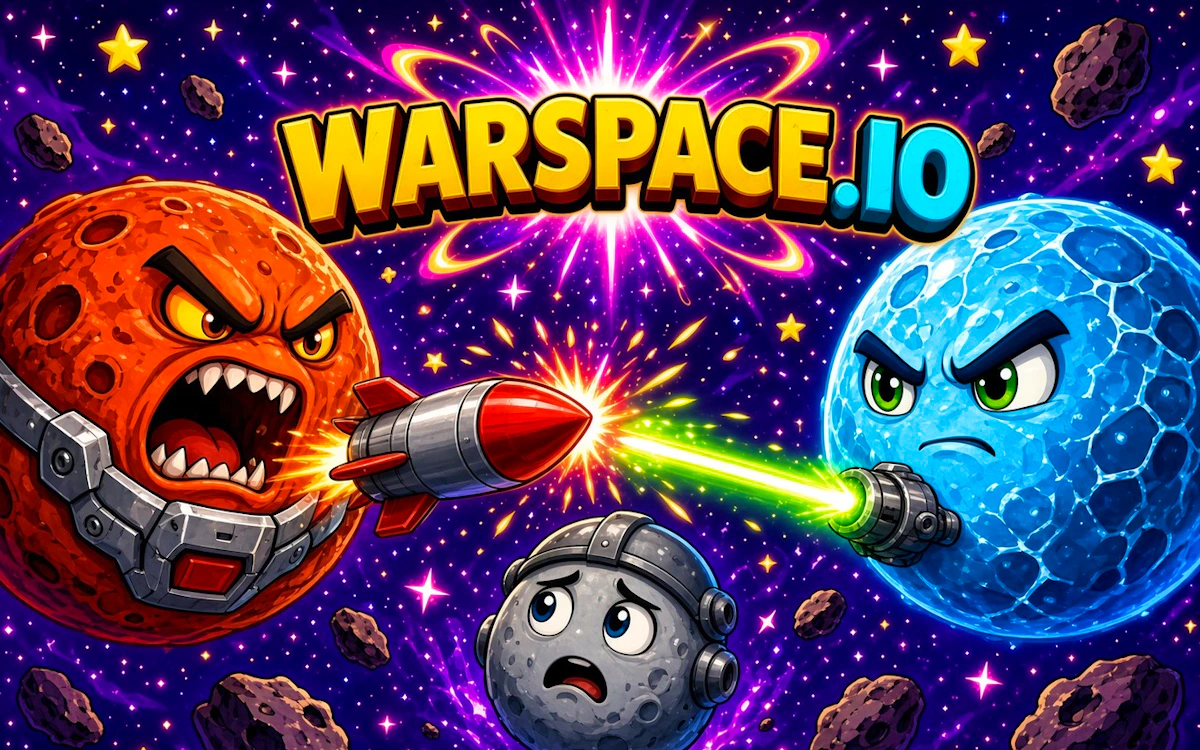
Pilot your starfighter through galactic conflict in Warspace.io! Upgrade your weaponry, destroy rival ships, and conquer deep space in this thrilling multiplayer sci-fi arena game.

🌟 What is Warspace.io?

Warspace.io is an action-packed, space-themed multiplayer combat game where survival depends entirely on your firepower and piloting skills. Explore a vast stellar sector, mine cosmic resources to upgrade your spaceship, and engage in fierce laser battles against players from all over the universe.

🎮 Gameplay & Key Features

  • Galactic Dogfights: Engage in intense real-time space battles with smooth movement and responsive laser combat.
  • Spaceship Upgrades: Level up your vessel by collecting space crystals and debris to unlock stronger hulls and devastating weapons.
  • Multiplayer Leaderboard: Compete against other commanders to dominate the galaxy and secure the top rank.
  • Immersive Sci-Fi Setting: Enjoy vibrant deep-space visuals and high-energy arcade action right in your browser.

⌨️ Game Controls

  • Movement: Use your mouse cursor to steer your starfighter, or navigate using the WASD / Arrow keys.
  • Attack / Fire: Click the Left Mouse Button or use designated action keys to unleash laser blasts upon your enemies.

💡 Pro Tips to Dominate

  1. Farm Resources First: Focus on shooting space crystals and asteroids early on to level up your ship safely before hunting other players.
  2. Keep Moving: Never stay still in open space; constant maneuvering makes you a much harder target for enemy fire.
  3. Choose Your Fights: If you spot a massive, fully upgraded enemy cruiser, keep your distance until you've powered up your own arsenal!
Brookhaven Real Life

Brookhaven Real Life

Brookhaven Real Life

Brookhaven Real Life

Step into the world of Brookhaven Real Life, a life simulation game where you can craft your own story, explore a vast city, and connect with players in real time. Design your ideal lifestyle, choose your favorite career, and enjoy complete freedom within an interactive map packed with daily activities.

🌟 What is Brookhaven Real Life?

Brookhaven Real Life is an open-world social simulation game designed to offer players total creative freedom. Set in a modern, vibrant city, the game allows you to customize your avatar, buy luxury houses, drive around in high-end vehicles, work different jobs, and interact with a friendly online community. Whether you want to roleplay a daily routine or host epic parties with friends, the possibilities are endless.

🎮 Game Features

  • Open-World Exploration: Roam freely through a detailed city complete with residential neighborhoods, shops, parks, and downtown venues.
  • Deep Customization: Personalize your character's look, purchase stylish houses, and collect a variety of vehicles.
  • Roleplaying & Careers: Take on different roles within the community, from city worker to property owner.
  • Social Interaction: Hang out, team up, and host social gatherings with other online players in a safe, interactive environment.

⌨️ Controls

  • WASD / Arrow Keys: Move your character across the city.
  • Mouse: Rotate the camera view and click on-screen icons to interact with items, vehicles, and menus.
  • Spacebar: Jump.
  • Mobile / Touch Controls: On touch devices, use the virtual joystick to walk and tap on-screen buttons to interact.

💡 Pro Tips for Fun

  1. Explore Every Corner: Take time to scout the city to discover unique buildings, secret spots, and interactive landmarks.
  2. Customize Your Space: Experiment with different house layouts and vehicle options to build a unique lifestyle setup.
  3. Interact with Others: Join public areas and events around town to meet new friends and create fun roleplay scenarios.
Among at Easter

Among at Easter

Among at Easter

Among at Easter

Step into the shoes of a cunning impostor in a vibrant, festive setting with Among at Easter, mastering deception by blending in, sabotaging, and eliminating crewmates without leaving a trace.

🌟 What is Among at Easter?

Among at Easter is a fun, festive twist on the classic social deduction formula. Set in a colorful, holiday-themed 2D world, you play as the sneaky impostor whose mission is to eliminate crewmates, cause chaos through clever sabotage, and avoid getting caught or ejected by suspicious players.

🎮 Key Features

  • Festive Theme: Experience social deduction gameplay wrapped in a colorful, holiday-inspired Easter aesthetic.
  • Stealth & Sabotage: Use cunning tactics to blend in with crewmates, create distractions, and strike unseen.
  • Suspenseful Mechanics: Test your timing and nerve as you avoid detection or risk instant ejection.
  • Engaging 2D Navigation: Move stealthily across maps designed for quick, tactical plays.

⌨️ Game Controls

  • Keyboard / Mouse / Touchscreen: Use movement keys or tap to steer your character, interact with objects, trigger sabotages, and eliminate targets.

💡 Tips to Win as the Impostor

  1. Act Natural: Walk alongside crewmates and pretend to perform tasks so no one suspects your true motives.
  2. Sabotage to Split the Group: Trigger alarms or facility issues in distant rooms to isolate crewmates for safe eliminations.
  3. Cover Your Tracks: Never commit an elimination in plain sight; always ensure the coast is clear before making your move.
Stickman Army The Resistance

Stickman Army The Resistance

Stickman Army The Resistance

Stickman Army The Resistance

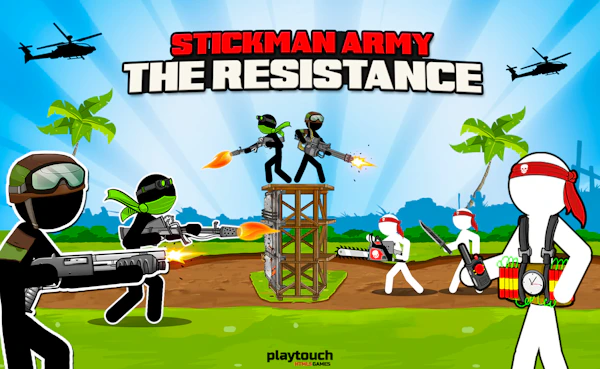
Stand firm with your squad in an intense 2D desert war in Stickman Army The Resistance! Balance offense and defense, upgrade your military gear, and fend off relentless waves of incoming enemies as you lead your minimalist army to victory against overwhelming odds.

🌟 What is Stickman Army The Resistance?

This action-packed 2D strategy and tower-defense game puts you in command of a fortified outpost under siege. Deploy specialized stickman soldiers, manage battlefield resources, and eliminate hostile forces with sharp tactical timing right in your web browser.

🎮 Key Features

  • Tactical Desert Warfare: Defend your barricades against increasingly aggressive waves of enemy troops and vehicles.
  • Weapon & Unit Upgrades: Earn rewards from every skirmish to unlock stronger weapons, defenses, and soldier classes.
  • Offense & Defense Balance: Manage resource generation while deploying frontline fighters and heavy artillery at the right moment.
  • Smooth Browser Play: Lightweight HTML5 design optimized for responsive point-and-click action on desktop and mobile devices.

⌨️ Game Controls

  • Mouse / Touchscreen: Click or tap to deploy stickman units, activate special weapon strikes, and purchase battlefield upgrades.

💡 Tips for Success

  1. Upgrade Your Barricades Early: Reinforcing your defensive wall buys crucial time for your ranged units to thin out large enemy waves.
  2. Mix Melee and Ranged Units: Place sturdy frontline soldiers to absorb damage while snipers and gunners fire safely from behind cover.
  3. Save Special Strikes for Boss Waves: Hold onto heavy artillery or airstrike abilities until armored vehicles or dense enemy clusters breach your perimeter.
Car Rapide

Car Rapide

Car Rapide

Car Rapide Cover

Immerse yourself in the lively streets of Senegal with Car Rapide! Drive through vibrant roads, dodge traffic hazards, collect scattered coins, and unlock unique vehicles in this thrilling arcade driving adventure.

🌟 What is Car Rapide?

Car Rapide is an energetic street-driving runner inspired by the iconic public minibuses of Senegal. Take the wheel, navigate through busy city routes, weave around oncoming vehicles and road obstacles, and build up your coin stash to upgrade your ride.

🎮 Gameplay & Key Features

  • Vibrant Senegal Setting: Race through brightly colored streetscapes filled with cultural details and lively environments.
  • Dynamic Obstacle Dodging: Maneuver rapidly across lanes to avoid traffic, barricades, and sudden hazards.
  • Vehicle Collection & Upgrades: Gather gold coins during your runs to unlock custom cars and improved rides.
  • Smooth Browser Controls: Enjoy responsive lane switching and driving mechanics on both desktop and mobile devices.

⌨️ Game Controls

  • Steer / Switch Lanes: Use the Left / Right Arrow Keys or A / D keys (or swipe left/right on touchscreens) to switch lanes.
  • Accelerate / Brake: Use the Up / Down Arrow Keys or W / S keys to manage speed when required.

💡 Pro Tips to Dominate

  1. Look Ahead: Keep your eyes on distant traffic rather than your car so you have extra time to switch lanes smoothly.
  2. Prioritize Coin Lines: Align your vehicle with long sequences of coins to maximize your earnings per run for faster unlocks.
  3. Stay Central: Cruising in the middle lane gives you the flexibility to dodge obstacles moving left or right instantly.
Zrist DX

Zrist DX

Zrist DX

Zrist DX Cover

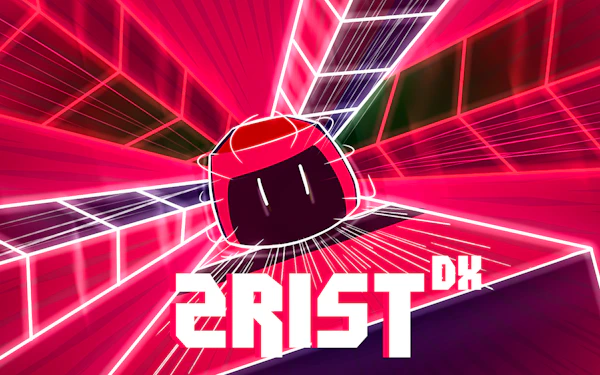
Experience the unpredictable thrill of Zrist DX! Test your reflexes in a fast-shifting minimalist runner, dodge dynamic traps, earn credits to unlock stylish outfits, and adapt to rapidly changing gameplay mechanics in every session.

🌟 What is Zrist DX?

Zrist DX is an intense, high-speed endless arcade runner where adaptability and split-second decisions are everything. As you dash across a constantly shifting platform, environmental rules shift on the fly—requiring you to jump, slide, and modify your movement instantly to keep surviving.

🎮 Gameplay & Key Features

  • Dynamic Rule-Changing Action: Adapt quickly as level colors, trap speeds, and movement mechanics shift unpredictably.
  • Customization & Outfits: Collect credits during your runs to unlock cool skins, outfits, and cosmetic styles for your character.
  • Fast-Paced Arcade Challenge: Designed for high replayability with instant restarts and smooth browser physics.
  • Minimalist Visual Style: Crisp geometry and sleek retro-style aesthetics keep your focus sharp on incoming hazards.

⌨️ Game Controls

  • Jump: Press the X Key, Left Mouse Click, or tap your mobile screen to jump over pits and spikes.
  • Slide / Phase: Press the C Key or designated action button to slide under low obstacles.

💡 Pro Tips to Dominate

  1. Anticipate Rule Shifts: Pay close attention to visual cues when the environment changes colors or mechanics so you don't jump at the wrong moment.
  2. Master Dual Actions: Practice switching quickly between jumping and sliding to navigate tight, consecutive hazard chains smoothly.
  3. Prioritize Credit Pickup: Grab floating credits whenever it's safe to accelerate your outfit unlocks without risking a collision.
Rolling Going Balls

Rolling Going Balls

Rolling Going Balls

Rolling Going Balls Cover

Navigate dizzying twists and tricky obstacles in Rolling Going Balls! Take control of a high-speed sphere, master physics-based precision, roll across narrow floating tracks, and race toward the finish line in this thrilling 3D platformer.

🌟 What is Rolling Going Balls?

Rolling Going Balls is an addictive 3D skill balance runner where precision steering and quick reflexes are key to survival. Roll along elevated Sky Courses, collect floating bonus balls and coins, dodge moving traps, and keep your momentum steady without tumbling off the edges.

🎮 Gameplay & Key Features

  • Physics-Based Rolling Action: Feel the weight and speed momentum as you steer across narrow bridges and sharp turns.
  • Challenging Sky Tracks: Conquer courses packed with ramps, pendulums, moving barriers, and tricky gaps.
  • Ball Customization & Collectibles: Gather coins and extra balls along the track to unlock unique sphere skins and textures.
  • Instant Browser Play: Enjoy smooth 3D graphics and responsive steering across desktop and mobile devices.

⌨️ Game Controls

  • Steer & Accelerate: Use the WASD or Arrow Keys (or swipe on touchscreens) to control direction, speed, and braking.

💡 Pro Tips to Dominate

  1. Control Your Speed on Curves: Ease off forward acceleration before sharp turns or narrow ledges to avoid sliding off the track.
  2. Use Momentum for Long Jumps: Build up maximum rolling speed before hitting launch ramps to clear wide chasms safely.
  3. Collect Spare Balls: Prioritize grabbing extra ball pickups along the route to gain extra lives and keep your run going after accidental falls.
Epic Gaul

Epic Gaul

Epic Gaul

Epic Gaul Cover

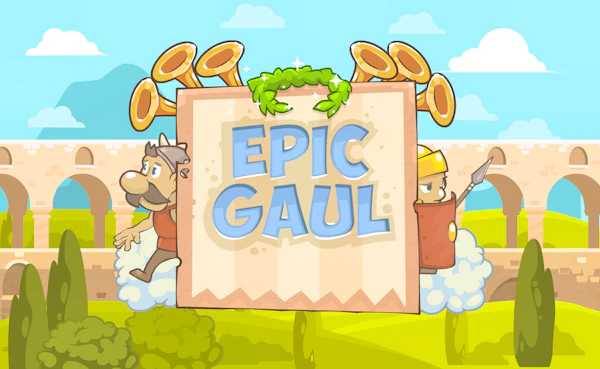
Race through vibrant landscapes as a daring warrior in Epic Gaul! Outsmart relentless Roman legions, dodge treacherous traps, drink powerful magic potions, and strike back with masterful timing in this thrilling endless escape adventure.

🌟 What is Epic Gaul?

Epic Gaul is an action-packed arcade runner inspired by classic Gaulish comic adventures. Take on the role of an unstoppable Gaul warrior charging forward through Roman patrols, jumping over obstacles, gathering legendary magic potion power-ups, and knocking away enemy soldiers to establish unbeatable high scores.

🎮 Gameplay & Key Features

  • Fast-Paced Runner Combat: Combine precision lane-switching and jumping with timed attacks to clear Roman forces.
  • Magic Potion Boosts: Collect glowing magic potion vials to grant temporary invincibility and enhanced speed.
  • Nostalgic Cartoon Style: Enjoy colorful visuals, expressive animations, and energetic sound design inspired by retro comics.
  • Instant Browser Play: Enjoy smooth performance on mobile and desktop without downloading any extra software.

⌨️ Game Controls

  • Move / Switch Lanes: Use the Left / Right Arrow Keys or swipe left/right on touchscreens.
  • Jump / Slide: Press Up Arrow / Spacebar to jump over traps, or Down Arrow to slide under high obstacles.
  • Attack: Press Left Mouse Click or tap the screen action button to strike Roman soldiers ahead.

💡 Pro Tips to Dominate

  1. Prioritize Magic Potions: Always shift lanes to grab magic potion pickups to plow through Roman blockades effortlessly.
  2. Time Your Strikes: Don't just dodge—attack enemy soldiers right before collision to earn extra score bonuses.
  3. Stay Centered: Keep your warrior in the central lane whenever possible to leave room for quick maneuvers left or right.
Find The Color

Find The Color

Find The Color

Find The Color

Dive into colorful adventures with Find The Color, an engaging game designed to sharpen young minds! Match vibrant objects to their corresponding hues across increasingly challenging levels.

🌟 What is Find The Color?

Find The Color is a delightful and educational puzzle game aimed at enhancing color recognition, concentration, and hand-eye coordination. Foster curiosity and quick reflexes in a fun, vibrant environment across multiple unique levels!

🎮 Game Features

  • Color Matching Challenges: Identify and match objects to their exact color hues to progress.
  • Progressive Difficulty: Tackle increasingly complex boards and faster-paced rounds as you advance through the levels.
  • Educational & Fun: Perfect for improving cognitive skills, visual perception, and reflexes for players of all ages.
  • Vibrant Graphics: Enjoy bright, cheerful color palettes and clean visual designs throughout every stage.

⌨️ Game Controls

  • Mouse / Touch: Click or tap on the correct objects or matching color targets to make your selections.

💡 Tips for Playing

  1. Scan Carefully: Take a quick scan of all available objects before making your move to spot the right match instantly.
  2. Pay Attention to Subtleties: Look closely at similar shades to avoid mistakes on higher-level boards.
  3. Build a Rhythm: Establish a steady pace to maintain accuracy and beat your previous completion times.
Baby Piano Children Song

Baby Piano Children Song

Baby Piano Children Song

Baby Piano Children Song Cover

Embark on a joyful musical adventure with Baby Piano Children Song! Explore vibrant instruments, play classic children's nursery rhymes, tap colorful piano keys, and foster early musical creativity through delightful interactive play.

🌟 What is Baby Piano Children Song?

Baby Piano Children Song is a friendly educational music game designed to introduce toddlers and young children to pitch, rhythm, and basic musical concepts. By offering multiple instrument sounds and familiar nursery tunes, kids can freely compose melodies or play along with guided notes.

🎮 Gameplay & Key Features

  • 5 Unique Instruments: Switch effortlessly between piano, xylophone, flute, guitar, and saxophone sounds.
  • Interactive Song Play-Along: Learn popular nursery rhymes guided by highlighted key prompts and visual cues.
  • Free-Play Creative Mode: Tap keys freely to compose original tunes and experiment with different musical notes.
  • Instant Web Access: Enjoy seamless touch and click controls on desktop computers, tablets, and smartphones without downloading any software.

⌨️ Game Controls

  • Play Notes & Select Instruments: Click with the Left Mouse Button or tap directly on the virtual piano keys and instrument icons on touchscreens.

💡 Pro Tips to Dominating

  1. Follow the Highlighted Notes: Watch the glowing color indicators on the keyboard to play classic nursery rhymes accurately.
  2. Experiment with Different Instruments: Switch instrument sounds while playing the same melody to discover unique musical arrangements.
  3. Encourage Rhythm Practice: Tap along to the background beat to help young players develop a strong sense of musical tempo.
Phone for Kids

Phone for Kids

Phone for Kids

Phone for Kids Cover

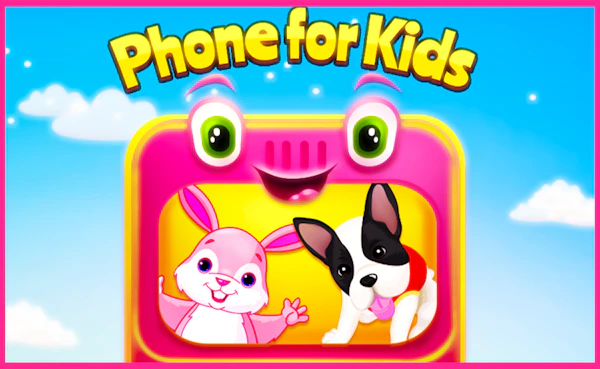
Let your little ones dive into a world of interactive learning with Phone for Kids! Featuring catchy nursery rhymes, adorable animal avatars, and colorful toy keypads, this toy phone simulator turns foundational numbers, letters, and musical notes into a joyful journey of discovery.

🌟 What is Phone for Kids?

Phone for Kids is a child-friendly toy phone simulation game designed to introduce toddlers and preschoolers to digital interaction, counting, phonics, and sound recognition. Children can simulate calling friendly animal characters, playing musical keypads, and exploring interactive educational mini-apps.

🎮 Gameplay & Key Features

  • Interactive Keypad Dialing: Tap numbered buttons to hear clear voice-over counts and numeric pronunciations.
  • Virtual Animal Calls: Make pretend calls to cute animal friends to unlock playful voice lines and animations.
  • Musical & Rhyme Modes: Play melodies and classic nursery rhymes with built-in toy instrument buttons.
  • Instant Web Access: Plays smoothly across desktop browsers, tablets, and smartphones without downloading any software.

⌨️ Game Controls

  • Dial & Interact: Click with the Left Mouse Button or tap directly on the virtual phone screen and buttons on touch-enabled devices.

💡 Pro Tips to Dominating

  1. Enable Device Sound: Keep audio active so toddlers can absorb clear pronunciations of numbers and musical pitch variations.
  2. Explore Different Phone Modes: Switch between call, music, and letter modes to keep the educational experience diverse.
  3. Repeat Spoken Numbers: Encourage young players to repeat numbers out loud as they dial to reinforce memory retention.
Portal

Portal

Portal

Portal

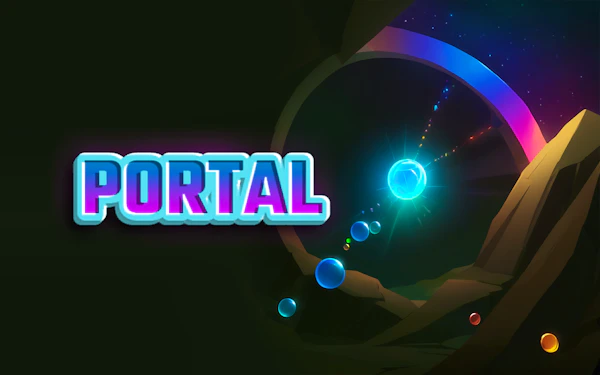
Navigate the mesmerizing world of Portal, where your reflexes and precision are vital! Guide a orb to safety while dodging a relentless cosmic black hole across physics-based puzzle levels.

🌟 What is Portal?

Portal is an exhilarating physics puzzle game that tests your quick thinking and precise maneuvers. Master gravitational mechanics and skillful timing to escape the pull of cosmic hazards and navigate complex maze structures.

🎮 Game Features

  • Physics-Based Puzzles: Use momentum, gravity, and trajectory control to reach safety.
  • Relentless Obstacles: Outmaneuver black holes, cosmic gravity traps, and intricate barriers.
  • Progressive Difficulty: Face increasingly complex level designs that demand pinpoint timing and fast reflexes.
  • Smooth Controls: Responsive touch and click inputs designed for instant action on mobile and desktop devices.

⌨️ Game Controls

  • Mouse / Touch / Arrow Keys: Click, drag, or tap to direct the orb's trajectory and control movement speed.

💡 Tips for Playing

  1. Mind the Gravitational Pull: Keep your distance from cosmic hazards early to avoid getting sucked into deadly orbits.
  2. Use Momentum to Your Advantage: Build up speed before making long jumps or navigating tight gaps.
  3. Plan Your Trajectory: Take a quick look at the obstacle layout before committing to rapid movements.
Geometry Flap

Geometry Flap

Geometry Flap

Geometry Flap

Dive into Geometry Flap's monochrome maze, guiding a shapeshifting arrow through nerve-wracking obstacles! Tap to flap and dodge your way through intense geometric challenges where every move tests your reflexes.

🌟 What is Geometry Flap?

Geometry Flap is a high-speed arcade reaction game combining flappy mechanics with geometric precision. Navigate a sleek monochrome world where one single slip means instant failure, unlock unique arrow skins, and strive for ultimate high-score mastery.

🎮 Game Features

  • Monochrome Aesthetic: Enjoy clean, high-contrast visual design that keeps the focus entirely on fast action.
  • High-Speed Flap Mechanics: Simple tap-to-flap controls combined with unforgiving geometric obstacle gaps.
  • Shapeshifting & Skins: Customize your arrow with unlockable skins as you progress and achieve higher scores.
  • Instant Replayability: Quick restart times make it easy to jump right back in for another high-score attempt.

⌨️ Game Controls

  • Mouse / Touch / Spacebar: Click, tap screen, or press Spacebar to flap upward and maintain elevation.

💡 Tips for Playing

  1. Find Your Tap Rhythm: Establish a consistent tapping frequency to keep your arrow flying smoothly in straight lines.
  2. Anticipate Gaps Early: Look ahead to upcoming geometric barriers so you can adjust your altitude before arriving at the opening.
  3. Stay Centered: Avoid flying too close to the top or bottom boundaries to leave room for emergency adjustments.